screen recording in. Figma teardown out.
that app you can’t find in a screenshot library.
that flow you want to show your team.
Screen recordings
148 items · 1 selected
 Monzo0:52
 FotMob2:06
 Liven0:19
-
Delighted
Screen 6
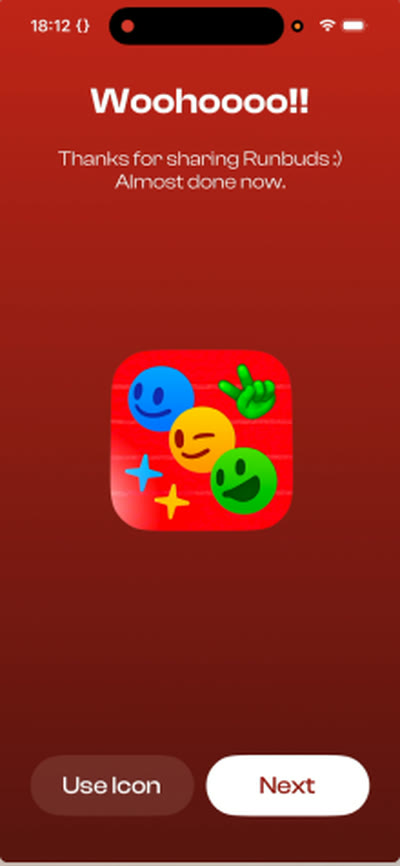
Voice · 0:12“Oh, nice. That’s pretty cool.”
-
Confused
Screen 7
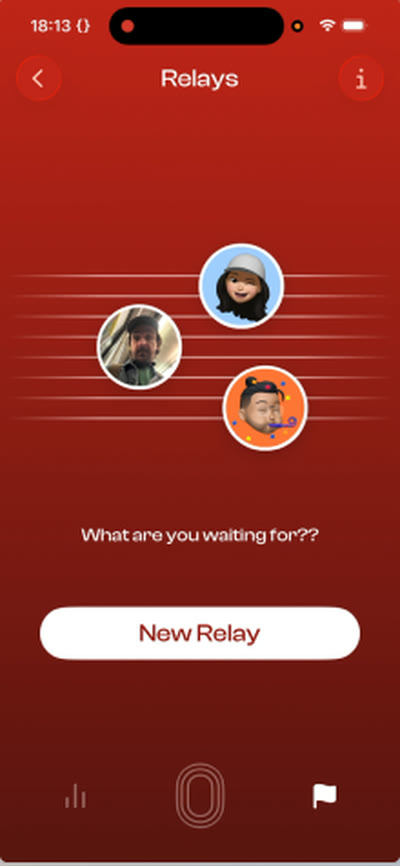
Voice · 0:15“I’m not sure what this is about.”
-
Meh
Screen 8
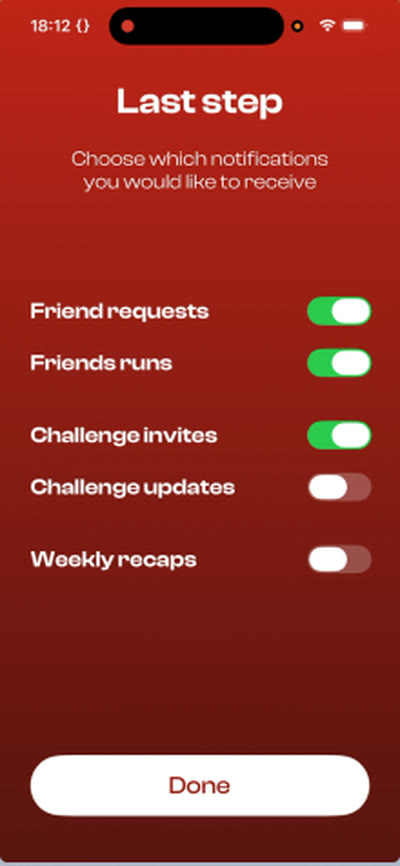
Voice · 0:17“Okay, last step.”
drop in a recording. get the flow, screen by screen.
your words, next to the right screen.
your reactions, mapped across the flow.
move things around. circle something. leave a thought.
one board to talk through with your team.now your turn.
get Flow Breakdown for Mac.
 Copy this example to Figma
now your turn.
try it with your own recording.
 Download for Mac
the practical bits.
- stays on your Mac
- Your recordings are processed on your Mac.
- macOS 26 or later
- Key points and feeling suggestions need Apple Intelligence turned on.
- ready for Figma
- Paste screens as image layers, with editable notes alongside them.
- voice is optional
- No voiceover needed. Silent recordings still become a board.
- free at launch
- Version 1.0 is free, with no in-app purchase.
next time, don’t leave it
in your camera roll.
Download for Mac
Mac App Store · macOS 26+
free at launch
“I was literally right now taking 1000 screenshots of an app”
 Jose, App Breakdown
“I spend all day in Claude Code. Trying an app and figuring out what I think of it is one thing I still want to do myself.”
 Ben, design engineer at noa